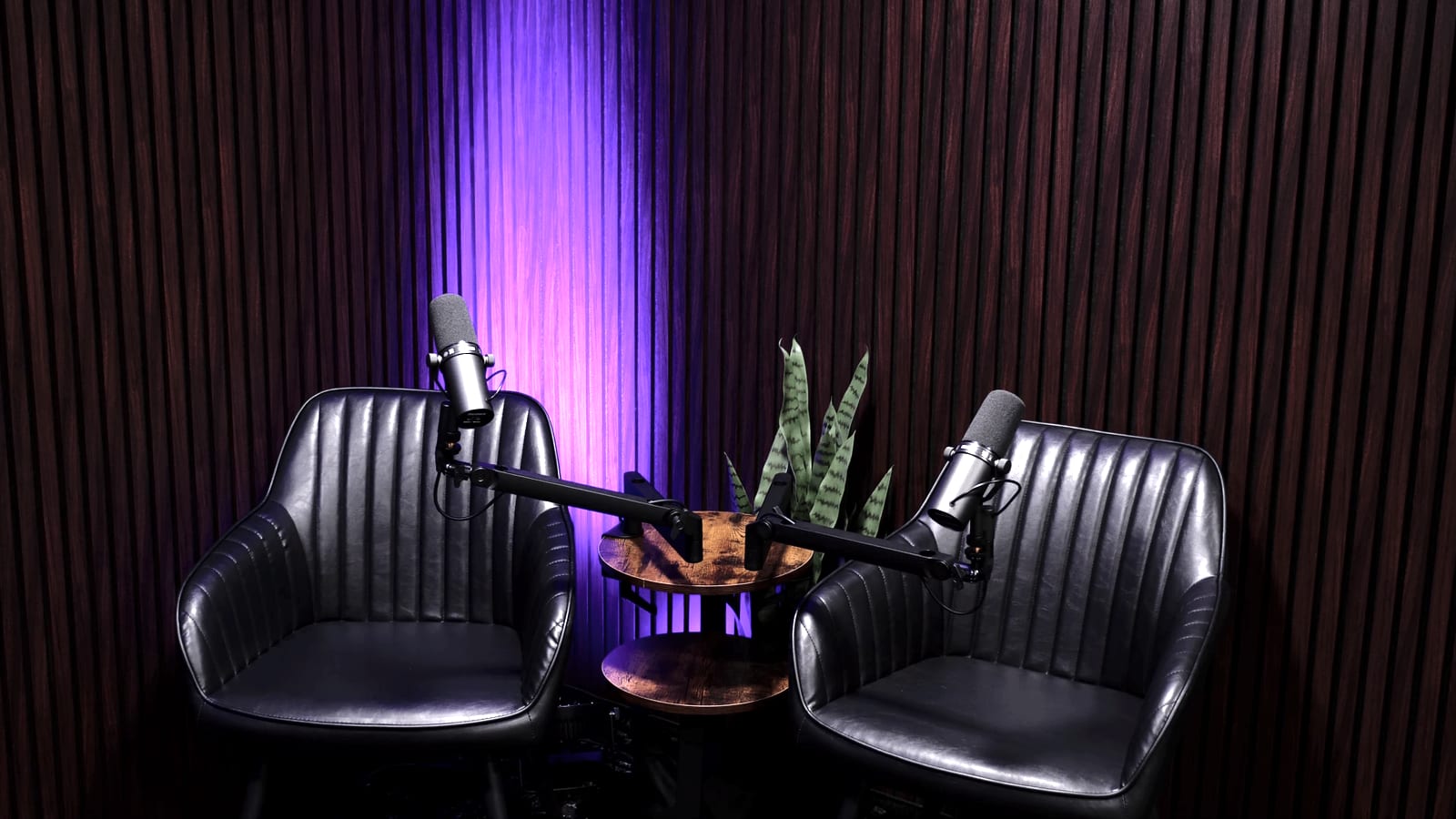
Self-service studio
Nobody greets you. Nobody needs to.
There is no technician, reception desk, or appointment approval. The room is ready; simply arrive at your booked time.
Book online
Choose your city, date, and time. Complete checkout online and your booking is held immediately.
Receive your door code
The address, entry instructions, and a code valid for your booking arrive by email and SMS.
Walk in, sit down, speak
The room is ready for you. 3 cameras and 4 microphones are set; recording starts on schedule.
Get your files
Your recording uploads automatically. A secure download link arrives within 24 hours.
No settings to manage. They are locked for a reason.
Framing, exposure, colour, and light temperature are configured in advance. That is why each episode looks consistent. 4K UHD · 30 fps footage can be cropped and reframed in post, so there is no need to touch the cameras.
You can change two things: microphone position and RGB colour using the remote. Everything else stays fixed.
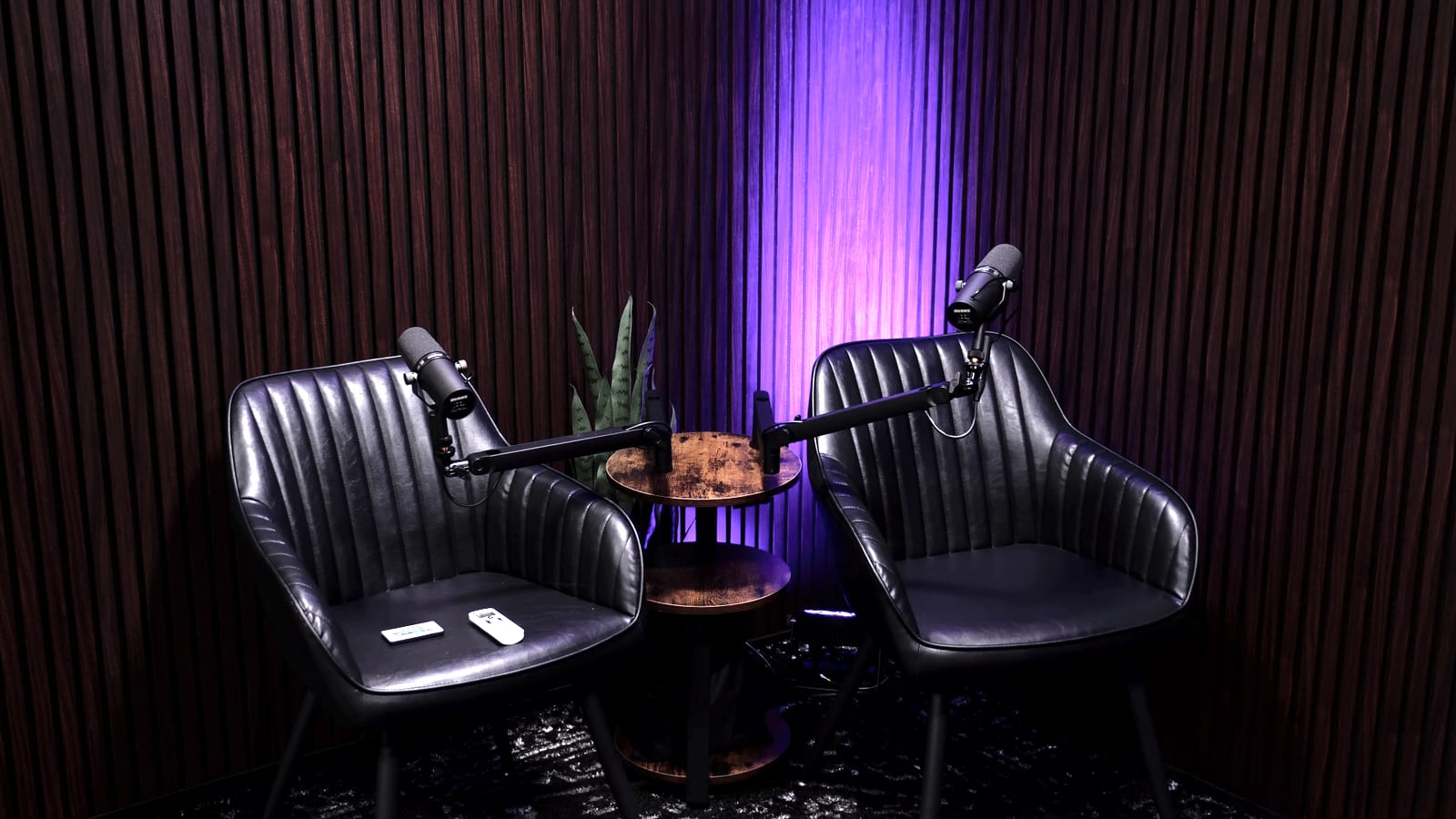
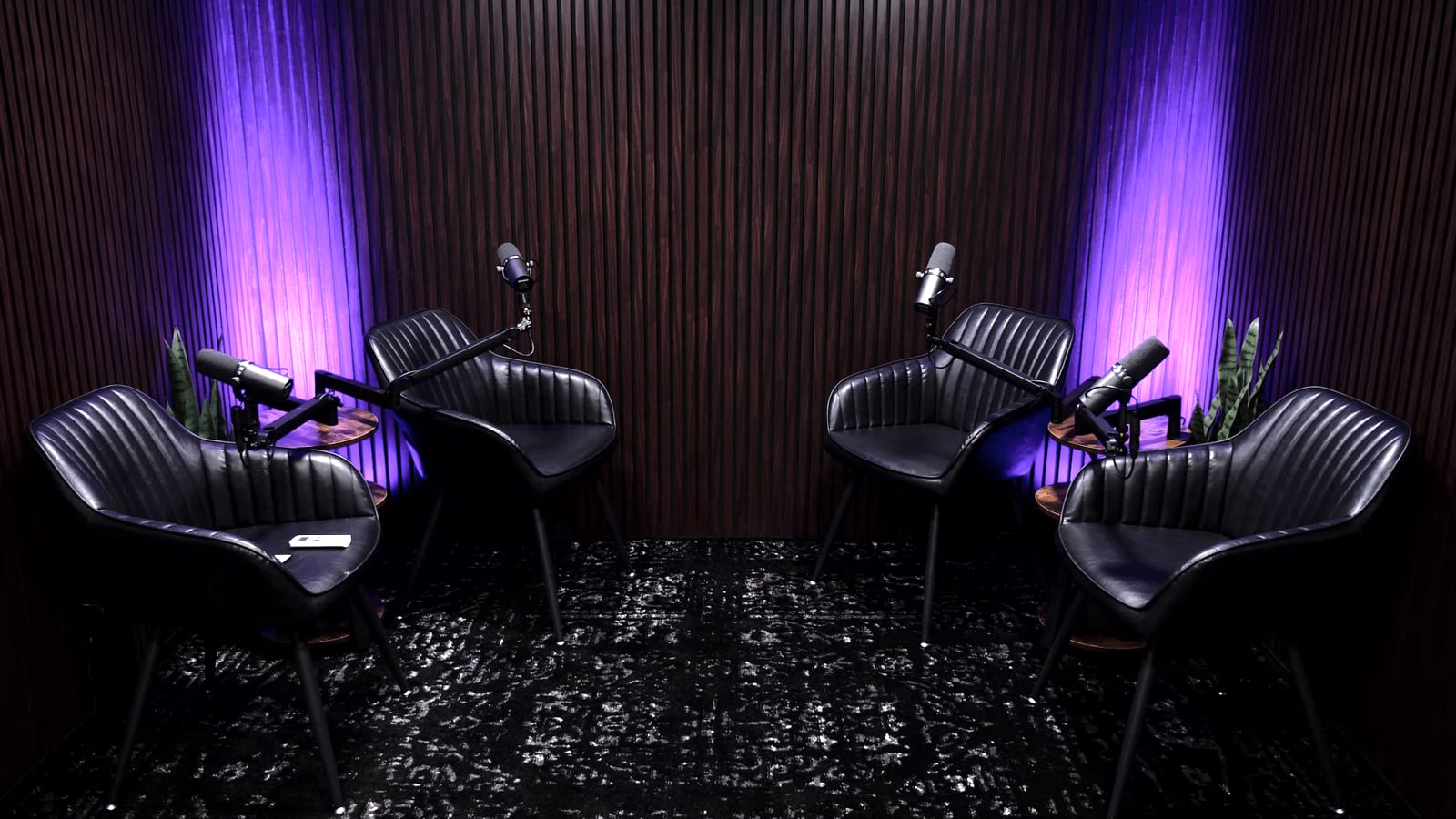
Recording ends. Upload starts automatically.
The system stops at the scheduled end time and uploads the files. A secure download link arrives by email and SMS, and the files also appear in your account.
Delivery takes no more than 24 hours. Files are retained for 14 days, so download your own backup before then.
Let us edit it tooA few rules keep the room reliable
No outside equipment or technical crew
Only installed equipment is used to protect the self-service system and recording reliability.
Do not move furniture or attach items to walls
Framing, lighting, and cable safety depend on it. Small products or props may sit on the table.
Closable drinks are fine; food is not
Keep drinks away from equipment. Food is not allowed in the recording area.
Up to 4 people
Only recording participants may enter. There is no separate audience or waiting room.
Sessions cannot be extended
Bookings start and end on time. If available, book another slot at least 1 hour in advance.
No smoking or vaping
Smoking and electronic cigarettes are prohibited throughout the studio.
Entry, use, and departure
Entry, arrival, and departure
How do I enter?
Once confirmed, detailed entry instructions and access information valid for your booking are sent by email and SMS.
What should I do before leaving?
Take your belongings, leave the area tidy, dispose of rubbish as instructed, and make sure the door closes fully. File upload completes automatically.
What happens to lost property?
Poddy is not responsible for personal items left behind. Found items may be held briefly; submit a written request through support.
What if I cannot enter?
Check the entry instructions and confirm that your booking time has started. If the issue continues, use the 24/7 support link in your confirmation.
Problems and responsibilities
What happens after a power cut or recording failure?
If the problem was not caused by the user, we offer a full refund for the affected time or a free replacement booking.
What happens if I damage equipment?
The user is responsible for repair, replacement, or an applicable insurance excess caused by their actions. We share the calculation and supporting documents.
What if someone else is in the studio during my booking?
Contact 24/7 support before entering and do not confront the previous user. We will review access logs and compensate the time you lose.
Do you offer tours or phone consultations?
Not for standard bookings. You can review the layout, process, and sample recordings on our website.
Can I see sample recordings?
Yes. Sample audio and video made at Poddy will appear in the Samples section. For anything not covered here, write to support or manage an existing booking from your account.